The Engineering Reality
In the last 20 years I was building test benches, I often had to spend way too much time for my taste with low-level integration of test bench components. The lesson I learned was: you don’t get paid for solving problems, you get paid for solved problems! If that sounds like a stupid marketing claim to you, just ask yourself: does your customer pay you if you spend hundreds of hours to work on a problem you could not solve? Most probably not. Your customer expects you to deliver a working solution, not a bucket full of unsolved issues.
Lesson #2: When you encounter technical issues—especially with low-level integration—it will always use more resources to solve them than you’d like. Your best and most efficient option is to mitigate such potential issues and use a solution you can buy on the market.
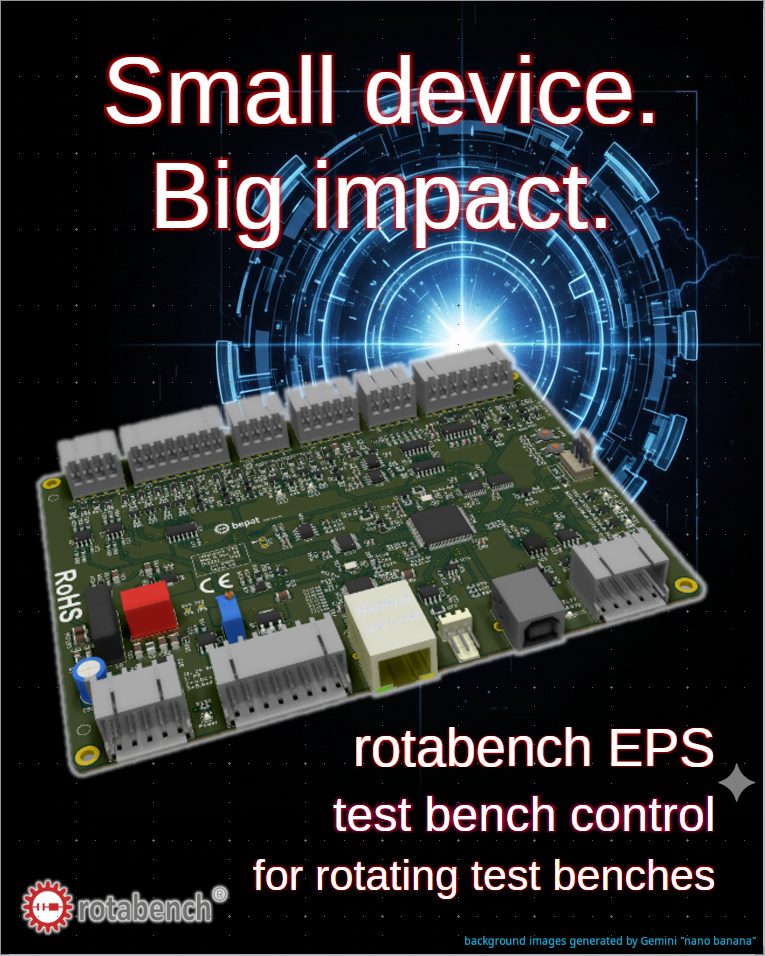
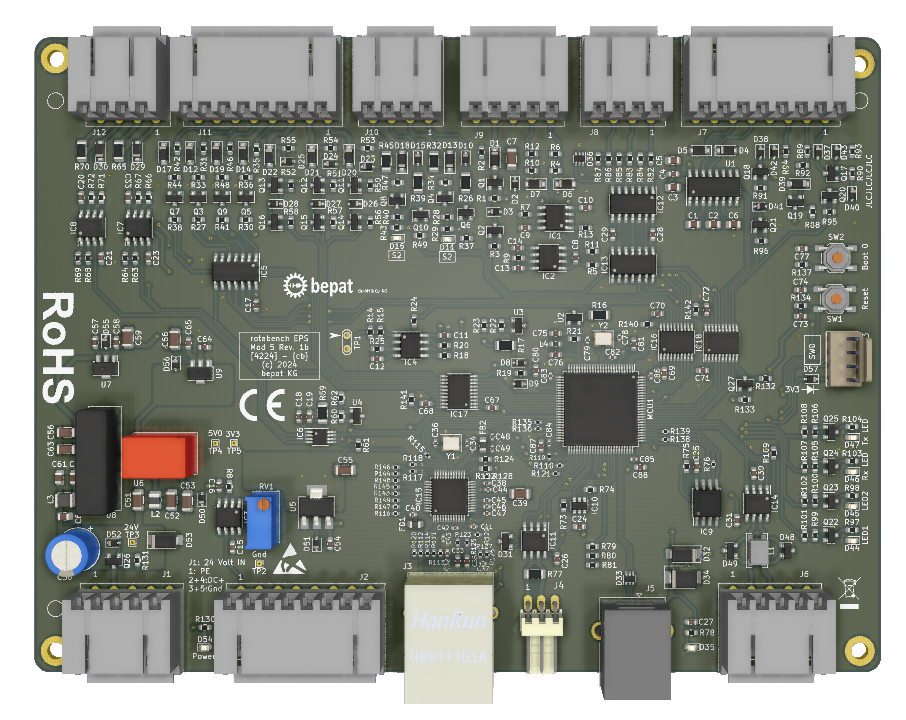
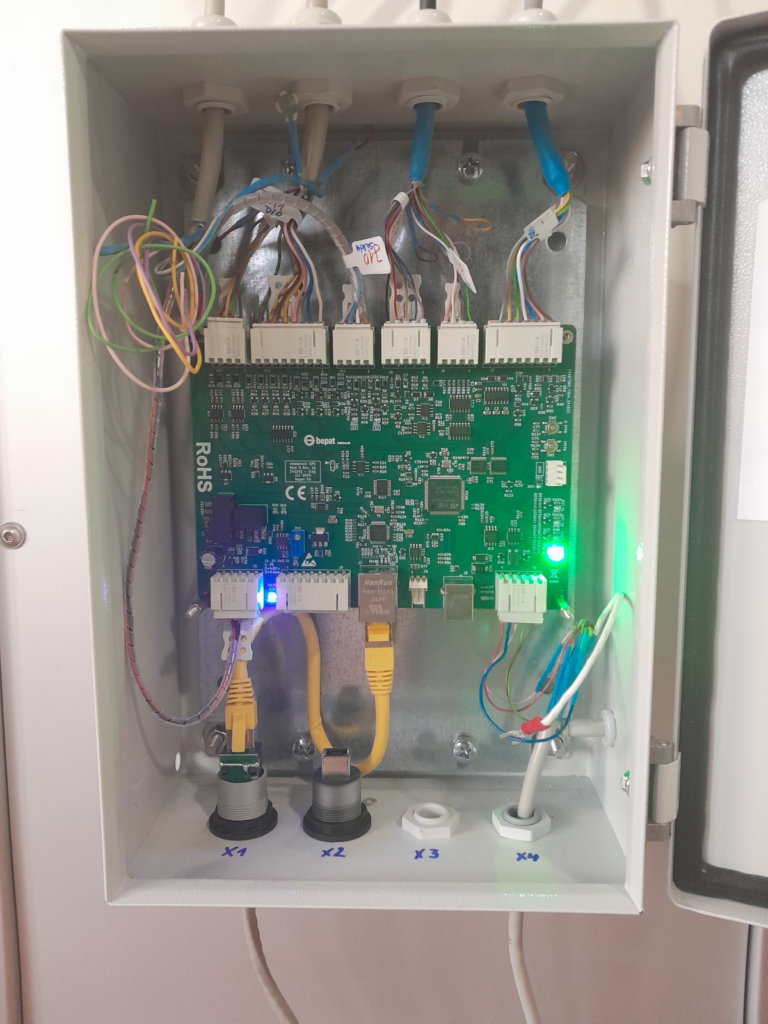
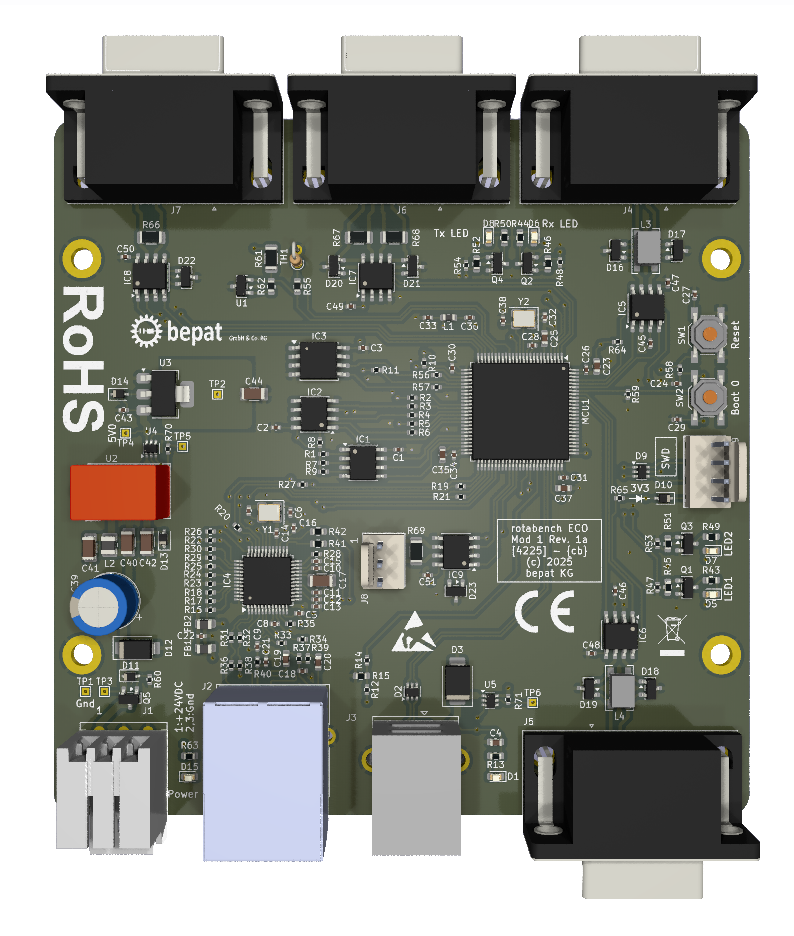
This is why I created rotabench EPS: it lets me (and you) leapfrog over most of the low-level integration issues and focus on functionality instead.
The following clip shows the startup sequence of a system where the “low-level heavy lifting” is already done. It’s about getting to the point where you can actually do your job—testing.
Why this matters for your workflow:
- Risk Mitigation: By using a pre-integrated stack, you eliminate the “unknown unknowns” of hardware communication.
- Resource Allocation: Stop wasting senior engineering hours on driver conflicts or bus timing.
- Predictable Timelines: A deterministic startup means a predictable project schedule.